
 Appino v1.5.1 Creative WordPress App Landing Page
  FileBird Pro v6.4.1 WordPress Media Library Folders
  Newkarma v2.0.8 WordPress Theme for Magazine and News
  Weddingpress v3.1.5 Elementor Templates for Wedding Invitation
  Careerfy v9.8.7 Job Board WordPress Theme
  Adult Video Script v8.1 + Plugins
  Elisen v1.6.4 Blog & Magazine WordPress Theme
  YITH Request a Quote for WooCommerce v4.28.0
 How to Download Free Source Code at Remo-XP.net, it turns out that quite a few people don’t know or are confused when they want to download the source code at Remo-XP.net, well in this tutorial we will explain it completely with pictures, so please read the tutorial until the end.
First:
Go to the site https://www.remo-xp.net then search for or click on the source code you want to download, for example like this.
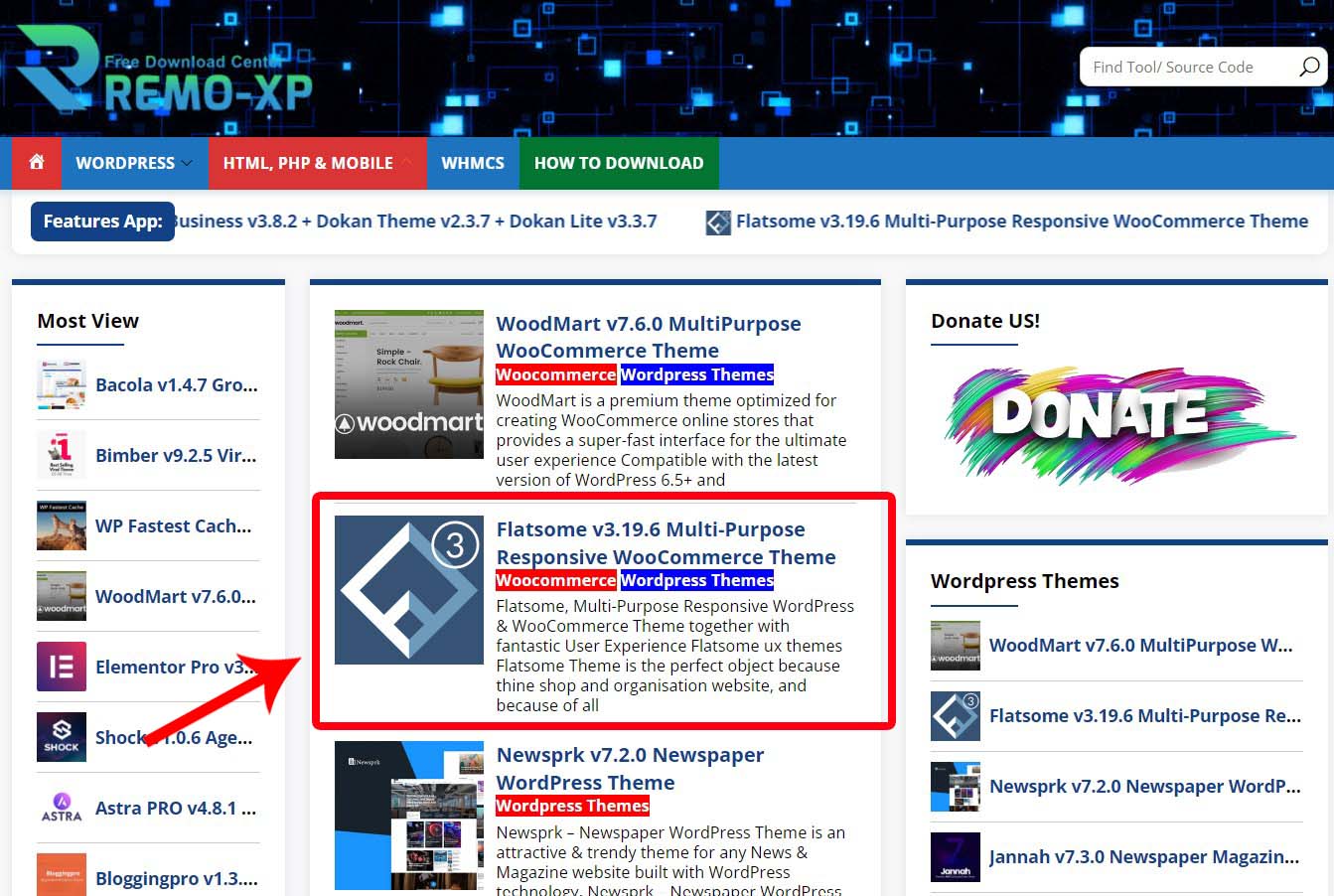
Second:
Then you will go to the article details page, here you can read it first or immediately look for the Download button, then click that button.

Third:
After that, select the download location you want, for example GoogleDrive.

Fourth:
Later you will be directed to the 1st shortlink page, here you just click I’m Not Robot (Turn off the Ad Blocking Extension Temporarily!).

Fifth:
After that, wait a few seconds, then click the Double Click to Generate Link button.

Sixth:
After that, click the Link Download button.

Seventh:
Repeat Step Fourth one more time and you will be directed to the download page via Google Drive.